
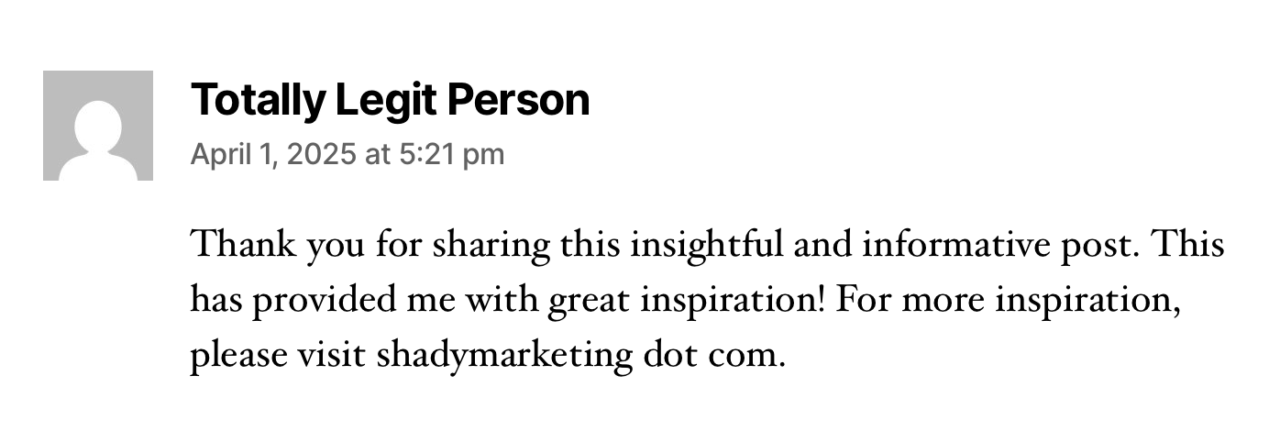
For sites created after December 2025, we are disabling comments on posts and pages by default. Many informational websites do not need visitor feedback published to pages. Spammers will abuse public comment forms, making them less effective for community engagement. Example:
Site admins do have the option to go to Settings → Discussion to allow people to submit comments on new posts. If you choose to enable comments, we recommend that you only allow registered members of the site network (those with Princeton netIDs) to leave a comment. Additionally, all comments should be set to be moderated and approved by a site administrator before they are visible to other site visitors.
If you allow public comments and/or turn off automatic moderation, your organization must designate an individual to actively monitor all incoming comments for your site and remove or edit any comments that are abusive, harassing, of a purely commercial nature (spam), or are otherwise harmful to the image and reputation of Princeton University.
You must be logged in to post a comment.