

The latest major update to WordPress, version 7.0, is now installed on our multisite network.
The article WordPress 7.0 Make it yours has an overview of the new features.
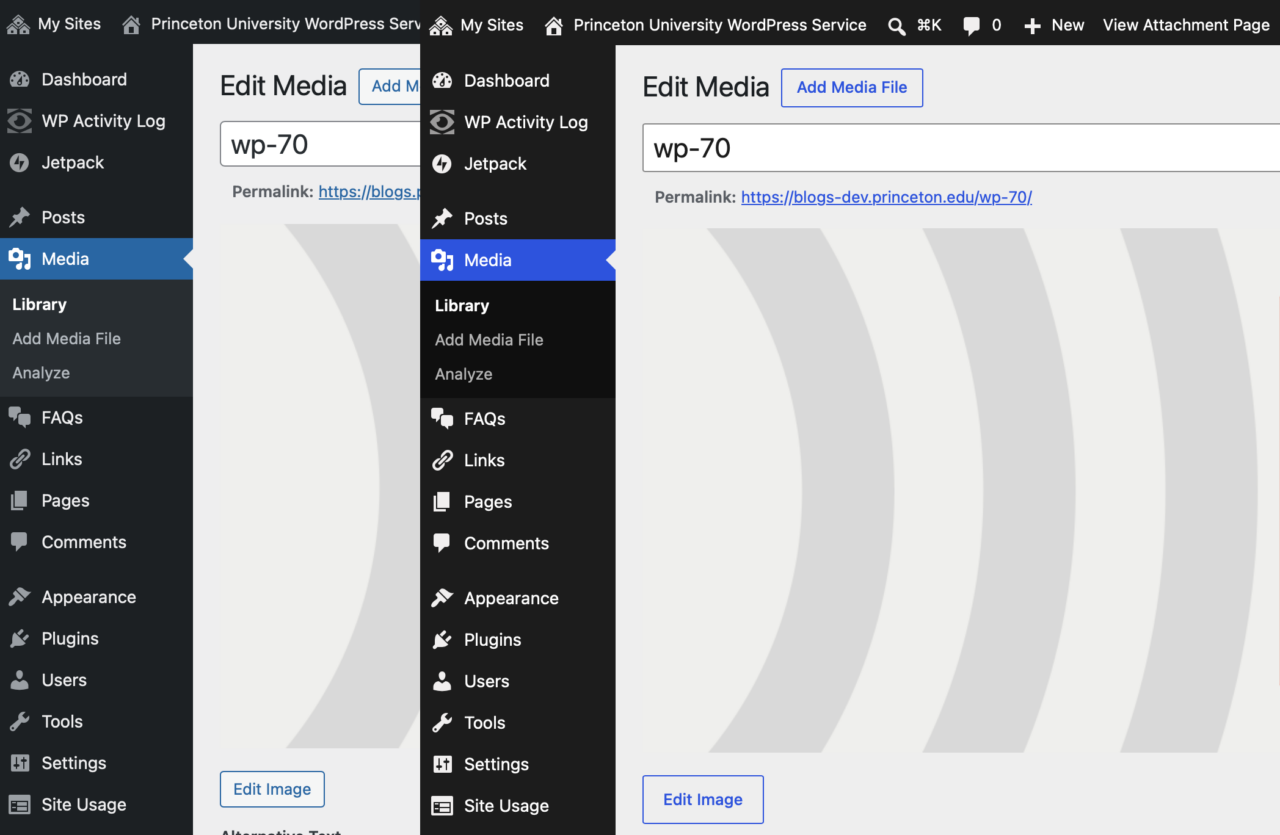
Most apparent may be the refreshed admin theme with a “quieter, more modern feel.” If the admin theme looks the same as it did before, try visiting your Edit Profile page and switching from the Fresh color scheme to the new Default color scheme.
Block themes have new options for navigation overlays beyond just a simple list of links.
The revision history for posts now has a visual representation of what changed in the document.
Under Appearance → Fonts, you can add Google Fonts or upload a font to customize any theme.
You can hide blocks at different screen sizes, allowing you to customize the display for Desktop, Tablet, or Mobile.
There is a new Icon block for adding icons anywhere on a page. Choose from a built-in library, drop one in, and style it to match your design.
WordPress 7.0 introduces the ability to add custom CSS directly to individual block instances from within the post and site editors
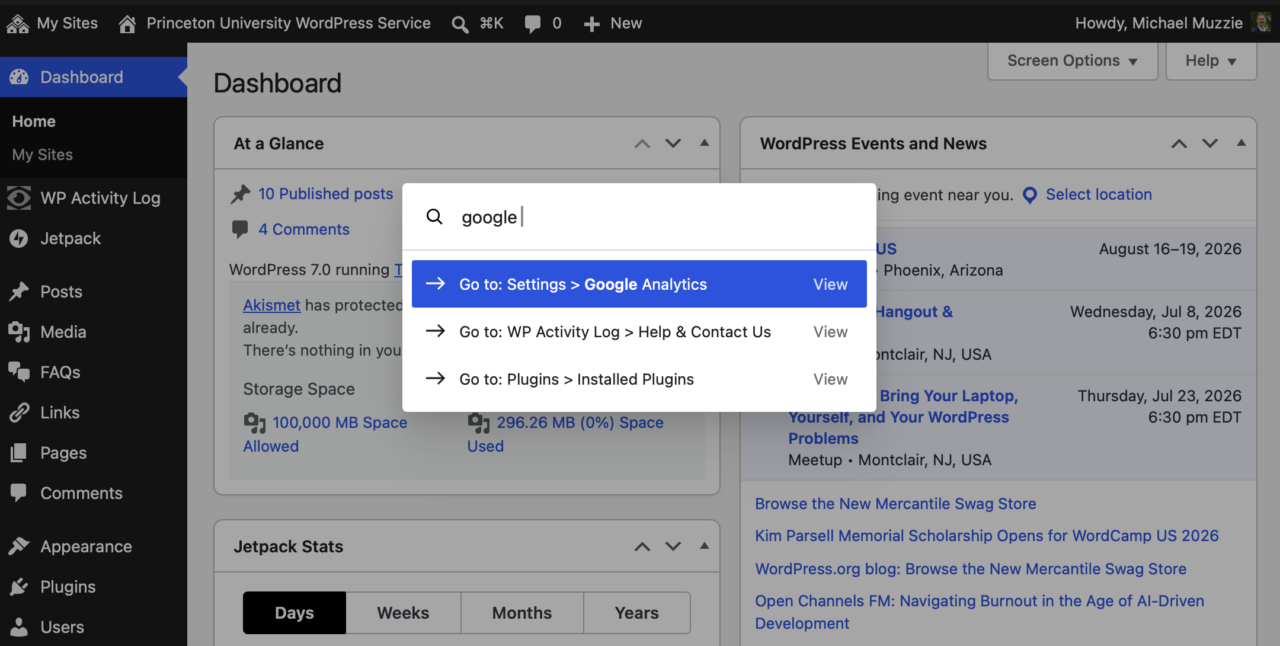
The Command Palette is easier to find, with a spyglass button in the top admin bar.
You must be logged in to post a comment.