I have created a video tutorial that demonstrates how to build a beautiful, functional WordPress site using the Twenty Twenty-Five theme, block patterns, and built-in editing tools.
Follow a complete three-page build for the fictional Princeton Squirrel Admiration Society, from removing placeholder content to customizing headers, footers, page layouts, and navigation.
The video is 38 minutes long, and we plan to create smaller, short-form videos from some of the individual chapters.
For now, you can jump ahead in the time code to the sections that interest you.
0:00 Introduction
0:30 The Default WordPress Site
1:19 Preview of the Finished Site
2:28 Removing Placeholder Content and Setting the Home Page
4:57 Customizing the Header
8:53 Customizing the Footer
12:23 Adding Home Page Patterns
16:51 Customizing the Hero and Events
20:30 Customizing the Podcast, FAQs, and Social Links
25:24 Fine-Tuning with CSS
26:57 Building the About Page
29:20 Adjusting the Page Template
30:43 Building the Officers Page
35:25 Organizing Navigation and Making the Site Public
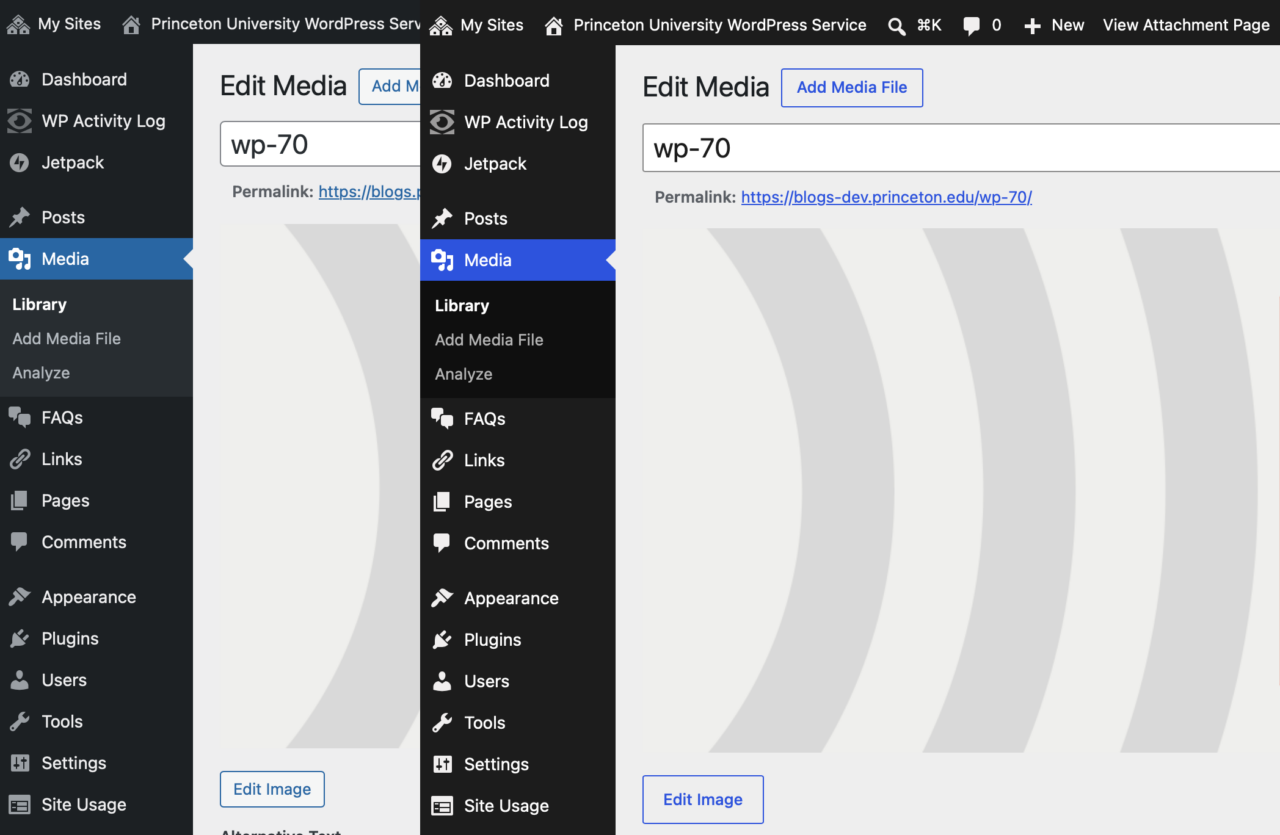
Most apparent may be the refreshed admin theme with a “quieter, more modern feel.” If the admin theme looks the same as it did before, try visiting your Edit Profile page and switching from the Fresh color scheme to the new Default color scheme.
Block themes have new options for navigation overlays beyond just a simple list of links.
The revision history for posts now has a visual representation of what changed in the document.
Under Appearance → Fonts, you can add Google Fonts or upload a font to customize any theme.
You can hide blocks at different screen sizes, allowing you to customize the display for Desktop, Tablet, or Mobile.
There is a new Icon block for adding icons anywhere on a page. Choose from a built-in library, drop one in, and style it to match your design.
WordPress 7.0 introduces the ability to add custom CSS directly to individual block instances from within the post and site editors
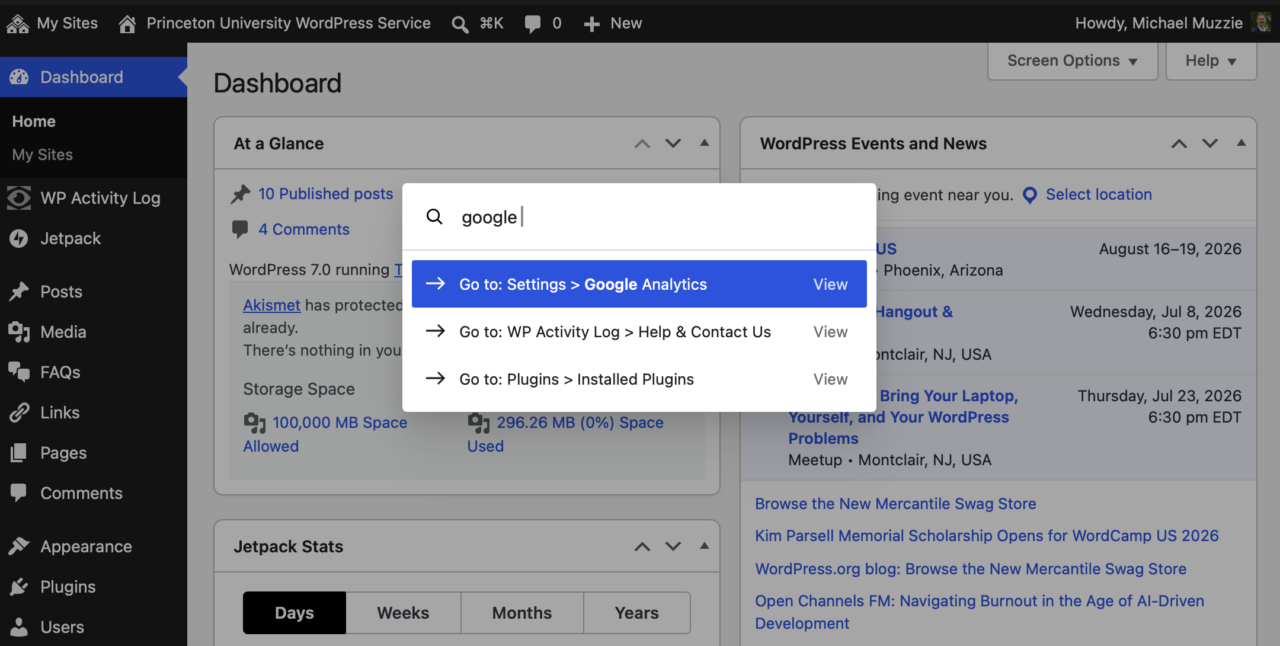
The Command Palette is easier to find, with a spyglass button in the top admin bar.
The Editoria11y Accessibility Checker has now been enabled for all sites. This Princeton-developed tool checks as you type for common problems that will affect our community members.
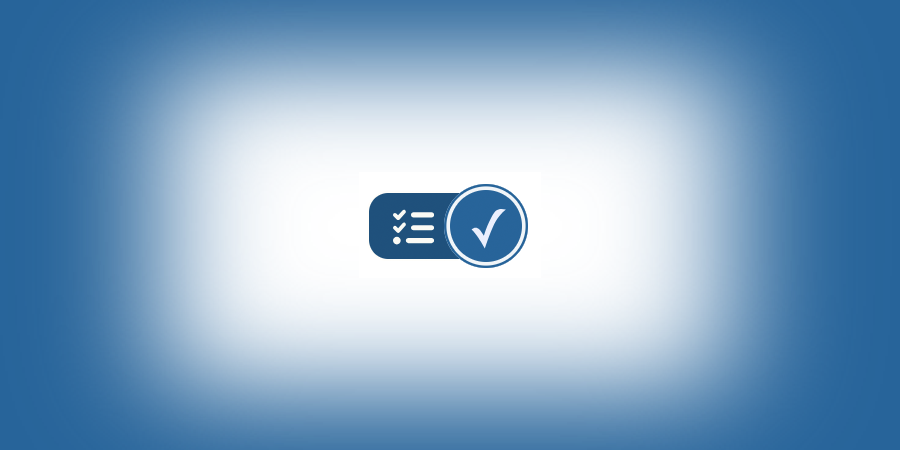
If all is well, you will see blue check at the bottom right:
If errors are present, the checker will start to show an alert count. Click the count to jump to the first alert:
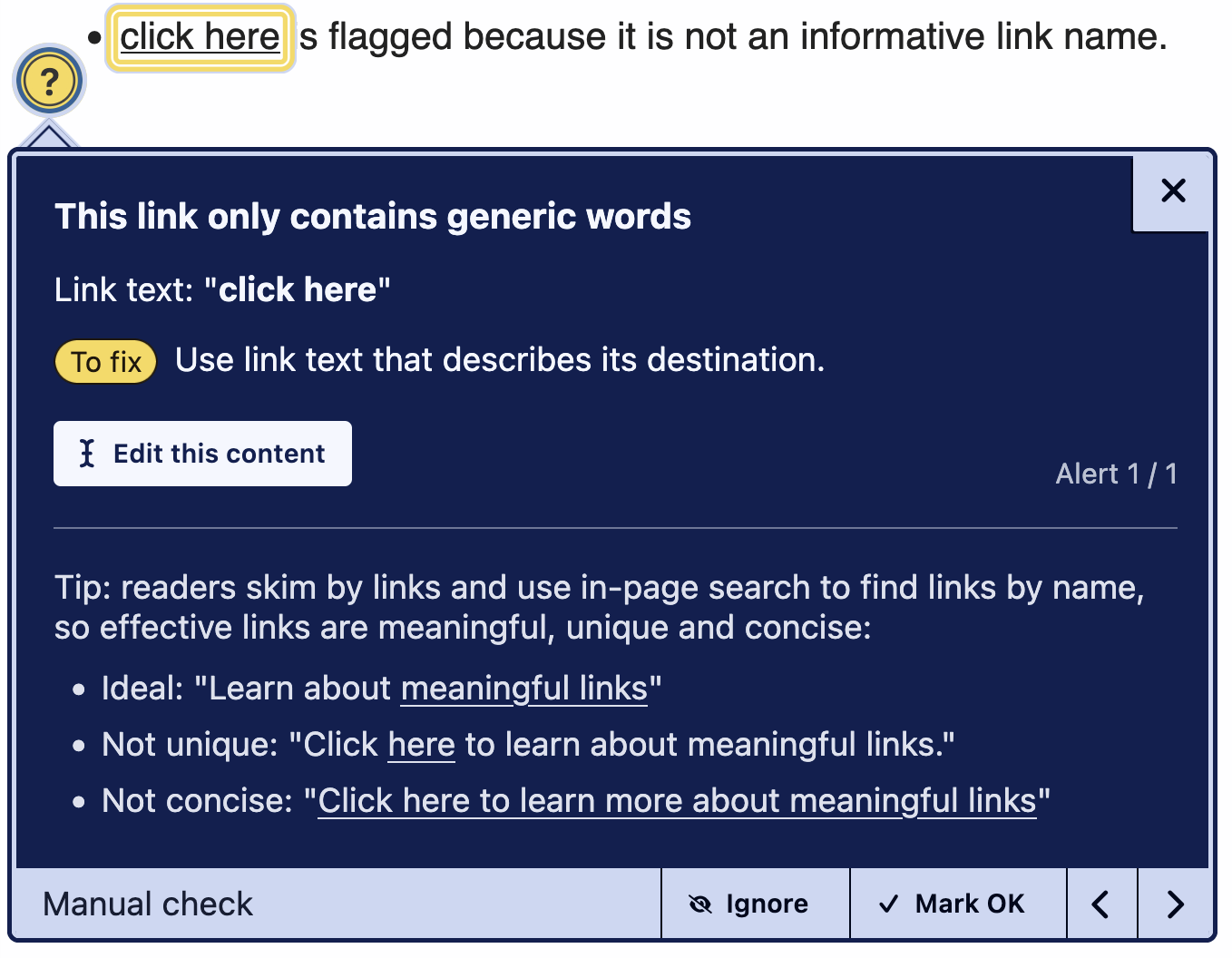
Tips will appear inline, with suggestions to improve the content. When viewing a page, there will be a link to open the editor. While editing, there will be a button to close the tip and place the cursor at the issue:
Red alerts are definite errors, yellow manual checks are often errors. Be sure to address all alerts before publishing new content. Manual checks should be fixed if needed or dismissed if not (“Mark OK”) to bring the unaddressed alert count back to zero.
If you are not sure why something is being marked or how to fix it, just reach out to the accessibility team. To quote them: “It’s our job to help. You are not interrupting us by asking us for help!”
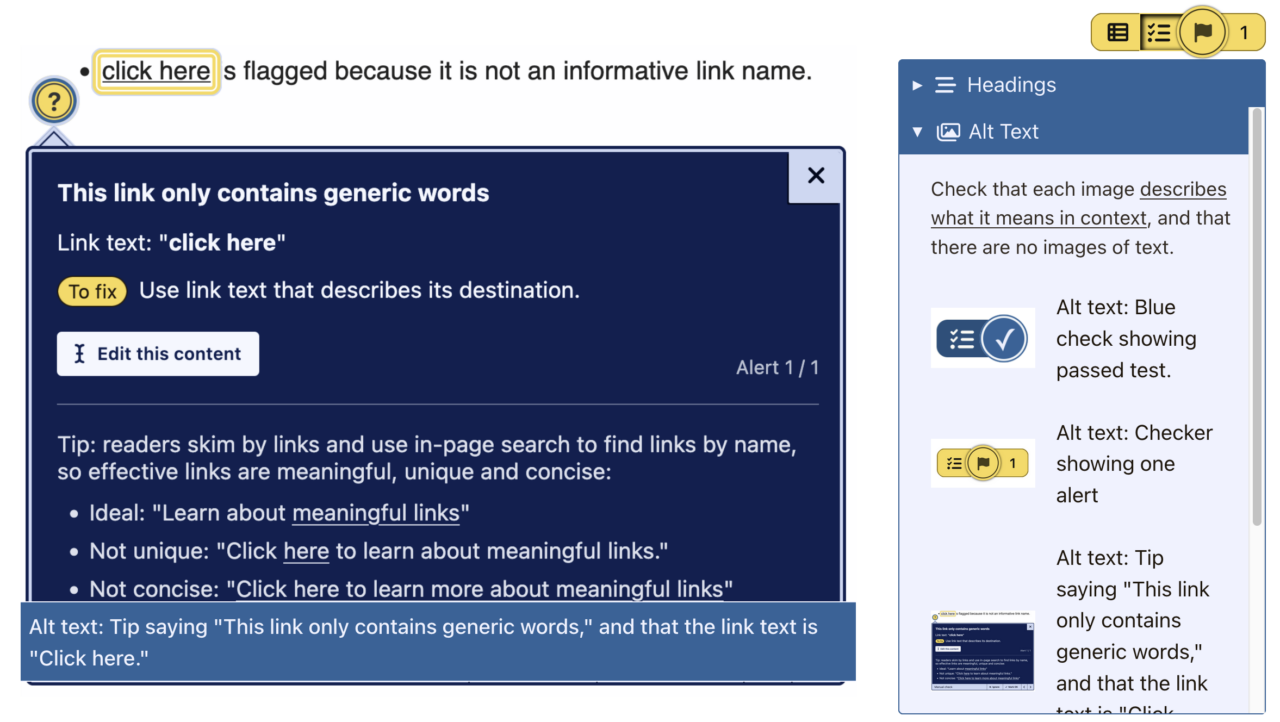
The checker also has a visualizer button, which reveals image alt text and the page heading outline:
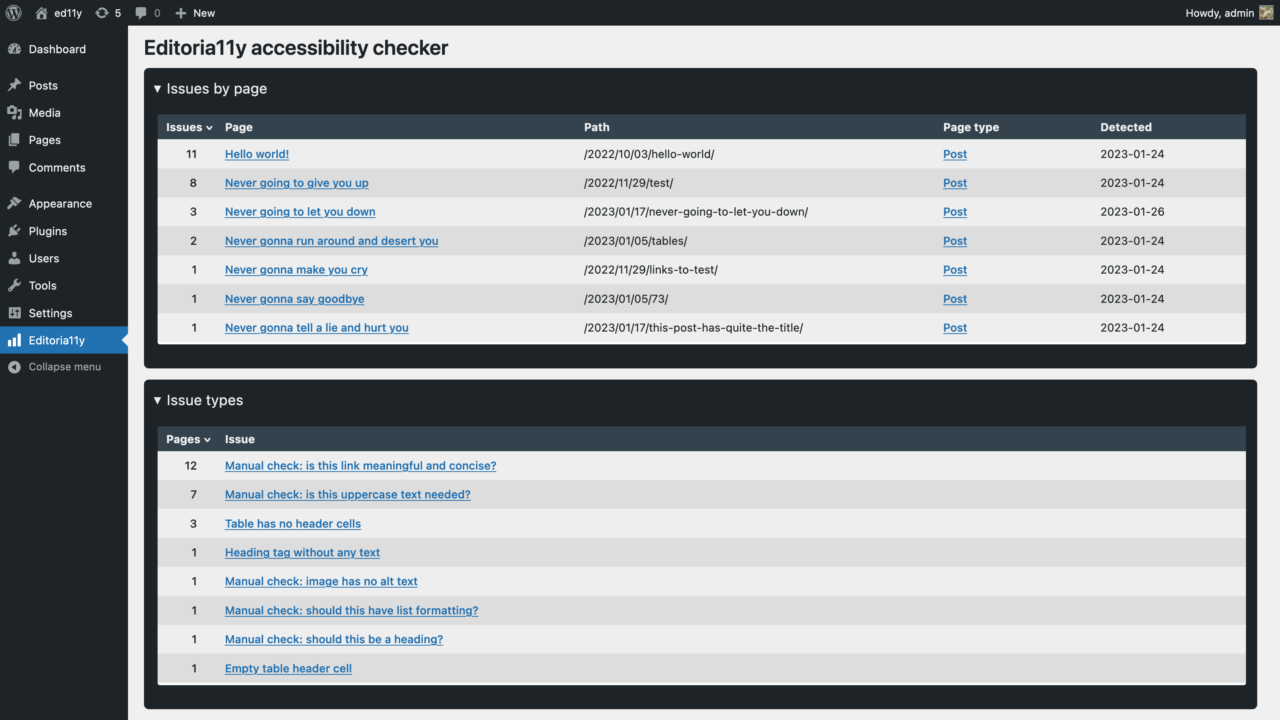
The leftmost button on the checker toolbar takes you to your site reports:
Reports can be sorted by count or detected date, to help you find frequent problems or problems in new content.
Pages are checked while viewing them as a logged-in editor, so your reports may be empty at first. Click through key pages on your site to refresh the reports.
The current version of the plugin includes the following tests:
Text alternatives
Images with no alt text
Images with a filename as alt text
Images with very long alt text
Images with fake alt text to get around field validation (e.g. “TBD”)
Alt text that contains redundant text like “image of” or “photo of”
Images in links with alt text that appears to be describing the image instead of the link destination
Embedded visualizations that usually require a text alternative
Meaningful links
Links with no text
Links titled with a filename
Links only titled with generic text: “click here,” “learn more,” “download,” etc.
Links that open in a new window without warning
Document structure
Skipped heading levels
Empty headings
Very long headings
Suspiciously short blockquotes that may actually be headings
All-bold paragraphs with no punctuation that may actually be headings
Suspicious formatting that should probably be converted to a list (sequences of sentences that start with asterisks, emoji or incrementing numbers/letters)
Tables without headers
Empty table header cells
Tables with document headers (“Header 3”) instead of table headers
General QA
LARGE QUANTITIES OF CAPS LOCK TEXT
Links to PDFs and other documents, reminding the user to test the download for accessibility or provide an alternate, accessible format
Video embeds, reminding the user to add closed captions
Audio embeds, reminding the user to provide a transcript
Social media embeds, reminding the user to provide alt attributes
If you have any questions, suggestions or bug reports, contact a11ydev@ or stay for accessibility office hours after each Website Wednesday.
Beginning at 7:00 a.m. on January 7, 2026, all OIT-supported WordPress websites will be unavailable for 60 minutes while we perform maintenance work on the database. For the latest outage information, please login and refer to the Service Portal’s Outage and Alerts page.
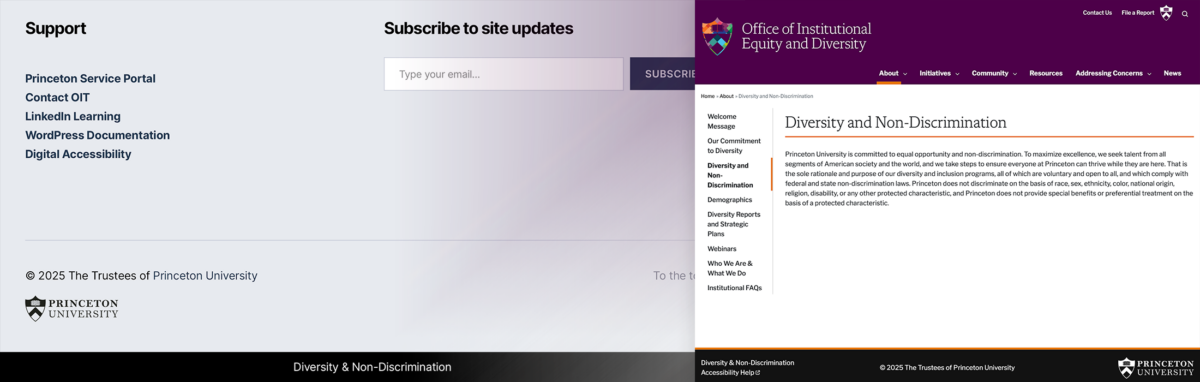
For all sites on our Princeton University WordPress platform, a footer will be added on April 11 to include a link to a University statement on diversity and non-discrimination. The University statement reflects our institution’s approach to diversity and non-discrimination. It has been recommended by the Office of Institutional Equity and Diversity that this statement be linked from all University websites so there is no ambiguity about the institution’s position.
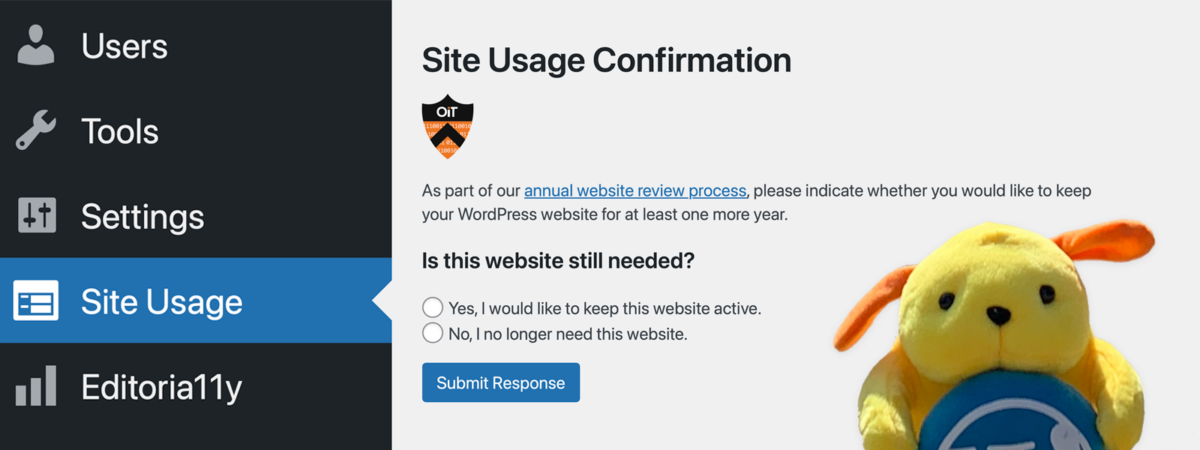
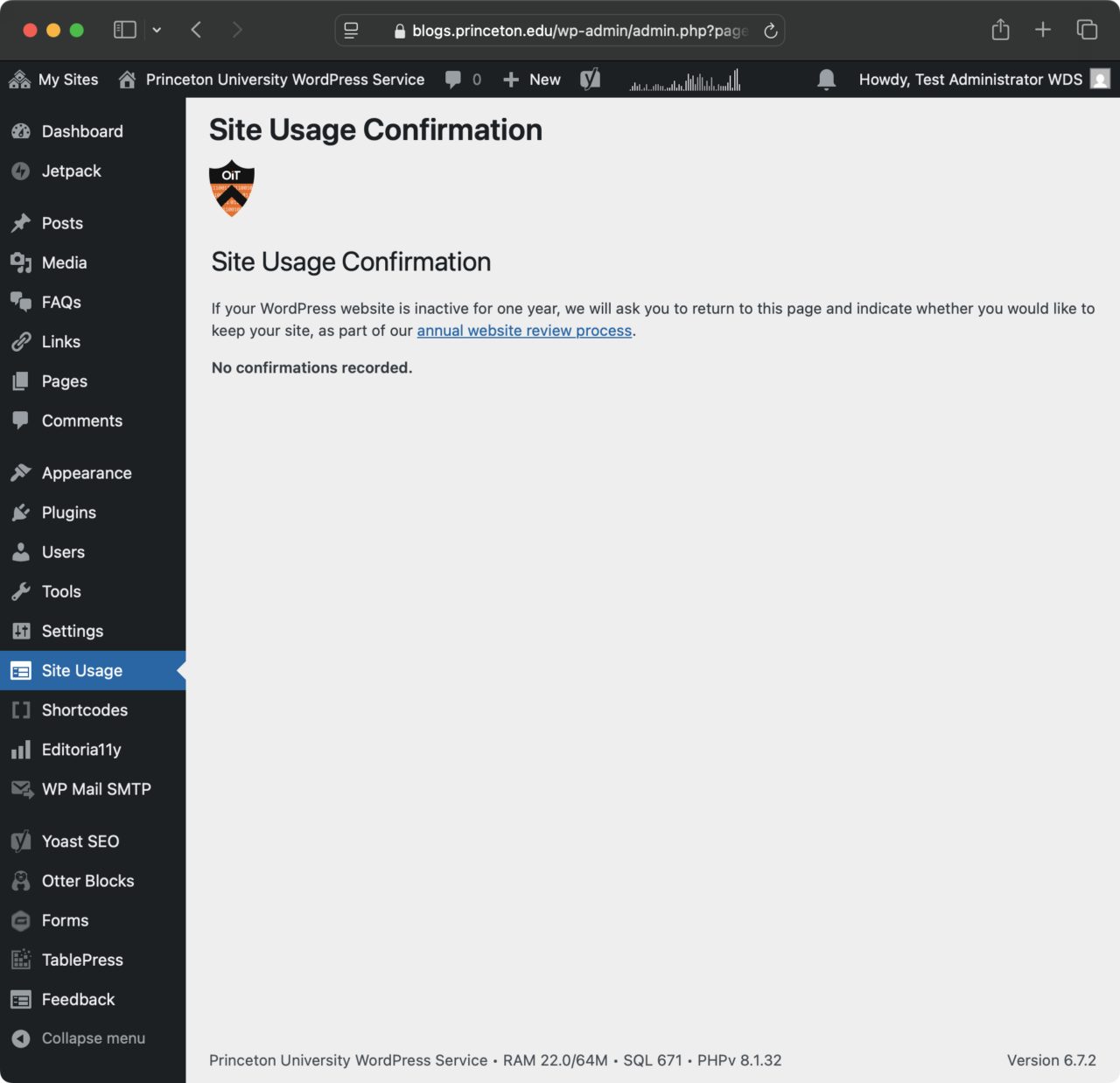
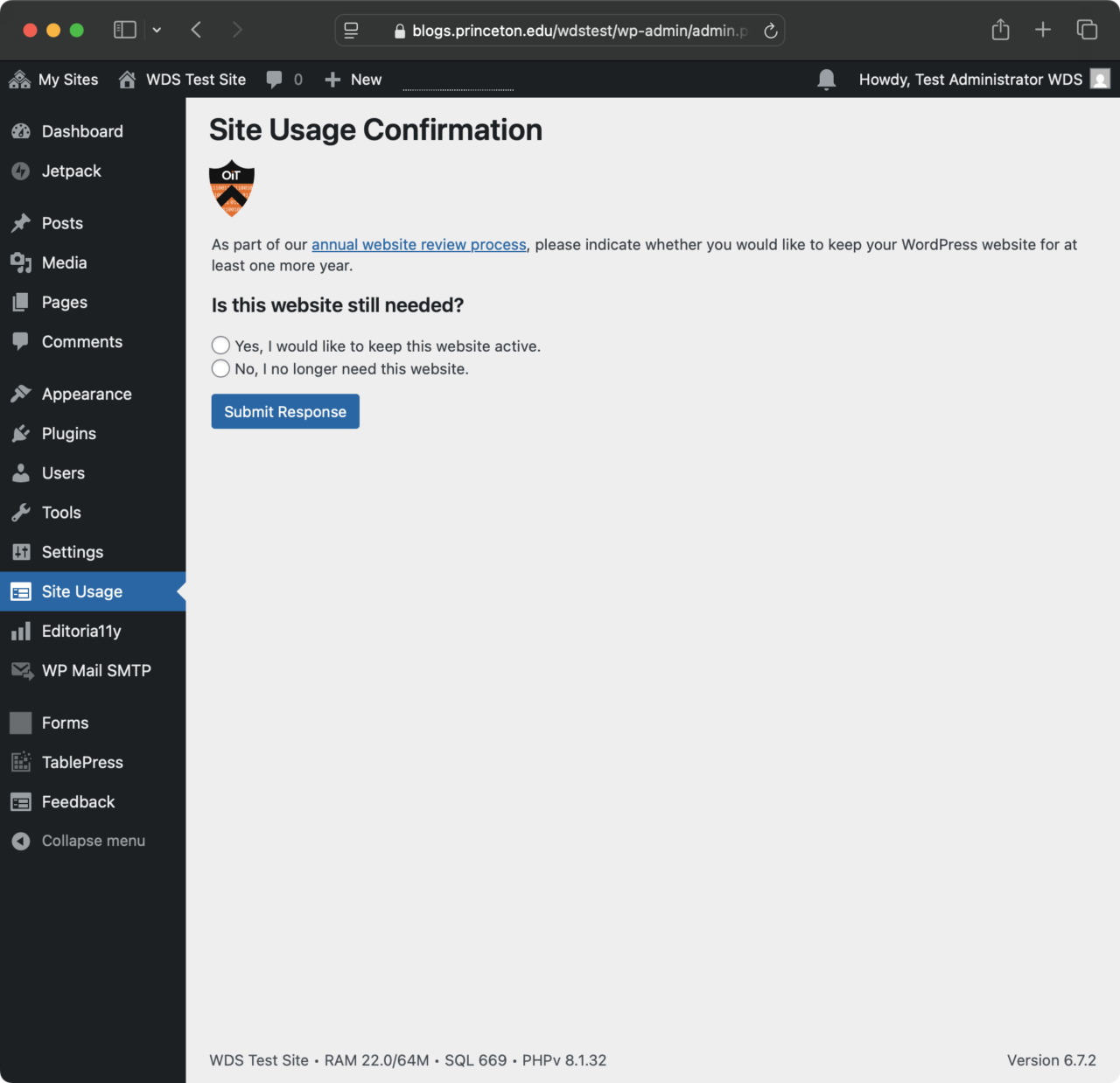
Web Development Services (WDS) is rolling out a feature on April 14, 2025, that will automatically email website owners when their websites no longer meet our criteria for continuing support. The criteria include no edits for one year. The email will ask the website owner to affirm whether they want to keep the website, and it will prompt them to log in. This effort ensures that we are not running websites that are no longer in use and helps prompt people to keep their content up to date.
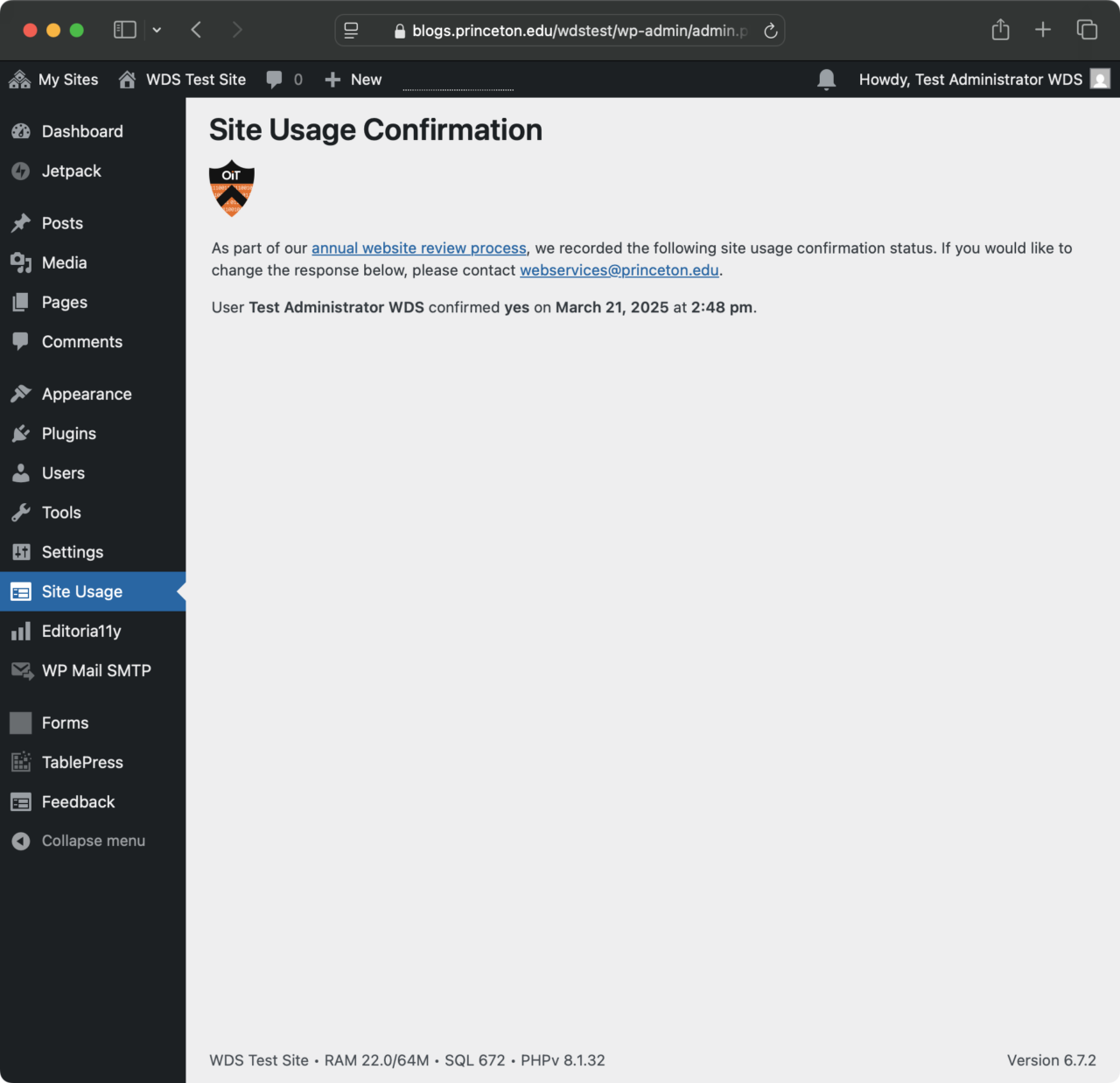
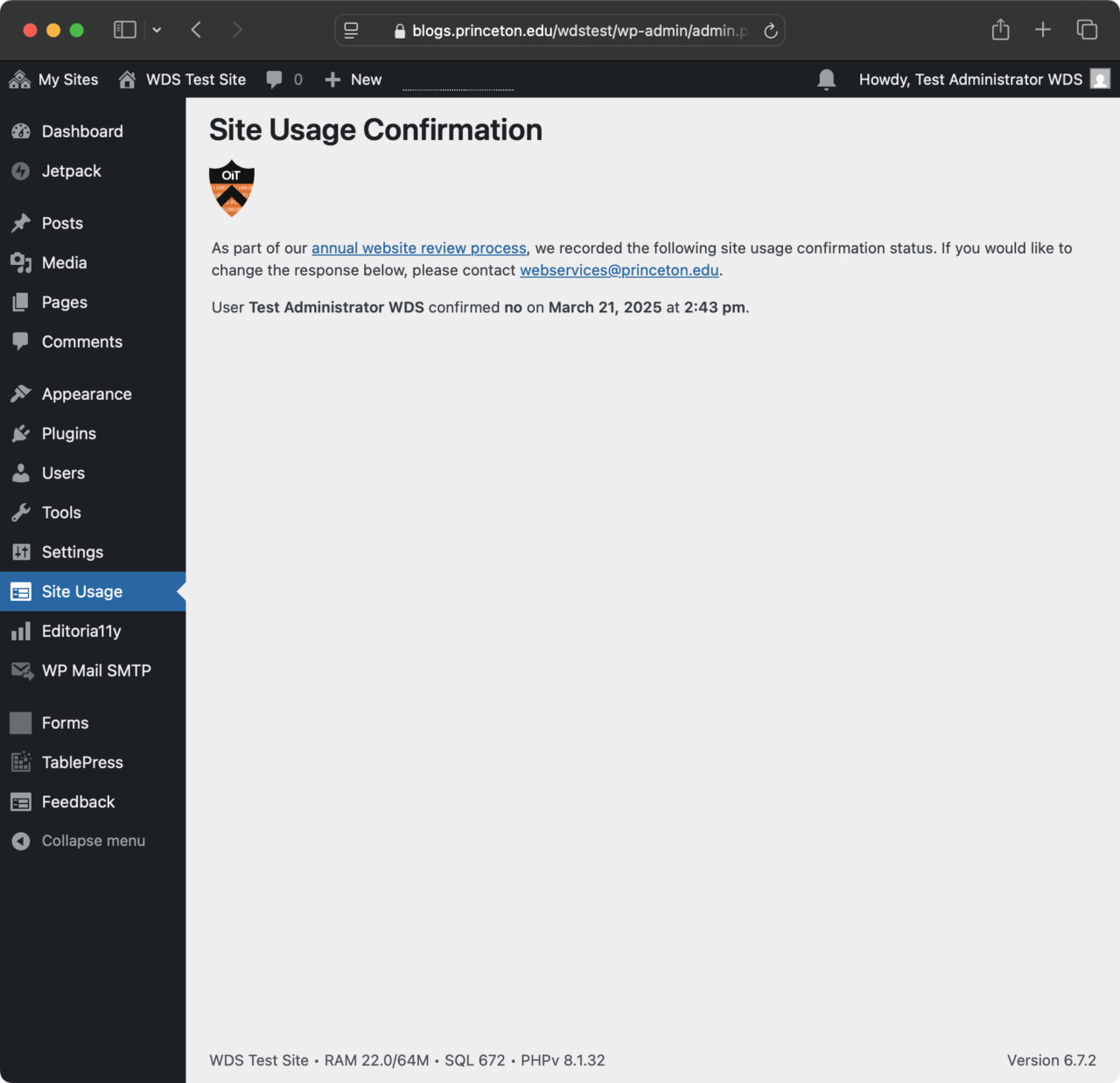
Variations of the Site Usage Confirmation page. Site admins with a regularly updated site will only see the “no confirmations needed” page.
If a site has had one year of inactivity, a site admin may see the yes/no dialog on the Site Confirmation page in the WordPress admin dashboard. They might also see that they or another site admin has already confirmed “yes or no” as to whether they would like to keep their site for another year. A “yes” confirmation will reset after an additional year of inactivity.
Site admins can contact webservices@princeton.edu if they would like to amend a previous confirmation.
Version 2 of the Editoria11y Accessibility Checker is now available for WordPress, and site admins on our managed WordPress platform can activate it from their site’s dashboard.
For all newly provisioned WordPress sites, we turn on Editoria11y by default. At some point in the future, we plan to activate this plugin across all sites on our platform.
Editoria11y (pronounced “editorially”) is an accessibility quality assurance tool that is automatic, unobtrusive, and seamless – like a spellchecker.
The new version of includes a significant redesign of the tips and main panel, and it includes full live checking.
Created by John Jameson, Princeton University’s Digital Accessibility Developer, Editoria11y was previously only available as a module for the Drupal web content management system. Editoria11y is installed on over 2,700 Drupal sites around the world, and it is a standard feature of the Drupal-powered Princeton Site Builder. One reviewer called Editoria11y “The Best Drupal Accessibility Checker for Content Authors…“
The latest major update to WordPress, version 6.4, is now installed on our multisite network.
You can preview some of the new features in the following video.
This release also comes with the new Twenty Twenty-Four theme, which leverages the full-site block editor and includes a wide selection of templates and patterns.
Update: The scheduled upgrade to PHP 8.1 was successful. If you encounter any issues, please contact webservices@princeton.edu.
We have scheduled the upgrade for our managed WordPress platform to PHP 8.1 on Tuesday, May 2, 2023. This is a major upgrade from PHP 7, with some significant compatibility issues with older plugins and themes.
PHP 7 is officially unsupported by the PHP community, but our hosting partner continues to provide extended long-term support for this older version.
We have been testing extensively for a few months, and we are confident that most issues are resolved. However, site owners may need to contact webservices@princeton.edu if they experience any issues after the PHP upgrade.
The main site of our managed WordPress platform has not had a major redesign since September 2011, when we moved all sites from Movable Type to WordPress.
The new site uses a child theme of the Twenty Twenty theme by Automattic, with some minor Princeton customizations.
We used the full-width template for most pages and simple blocks like cover, columns, paragraphs, and headings.
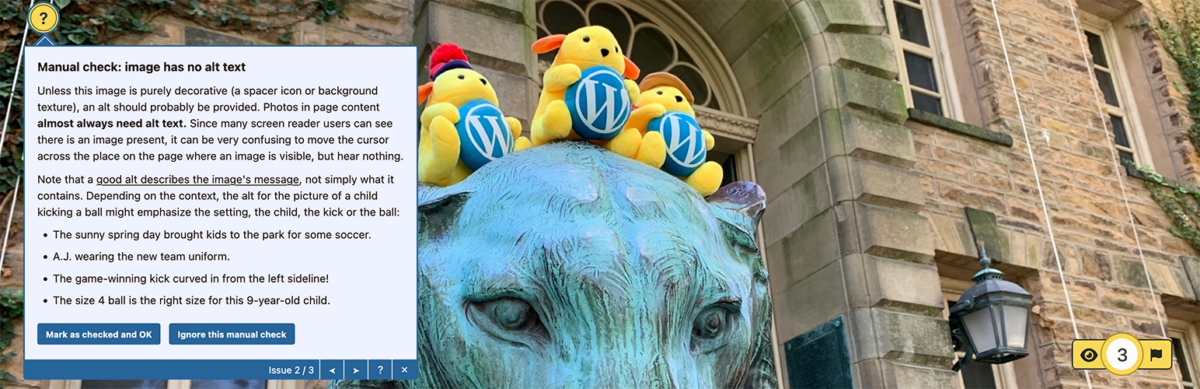
Principal photography is by Michael Muzzie, who carried a backpack full of stuffed Wapuus (WordPress mascots) around the Princeton University campus on a beautiful October day in 2020.
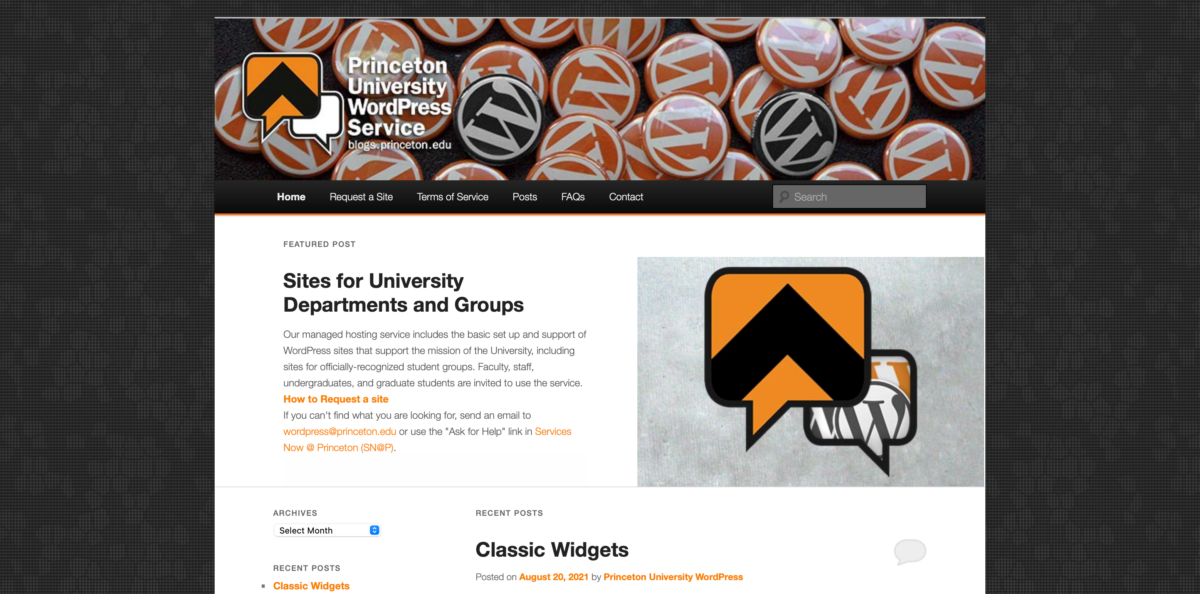
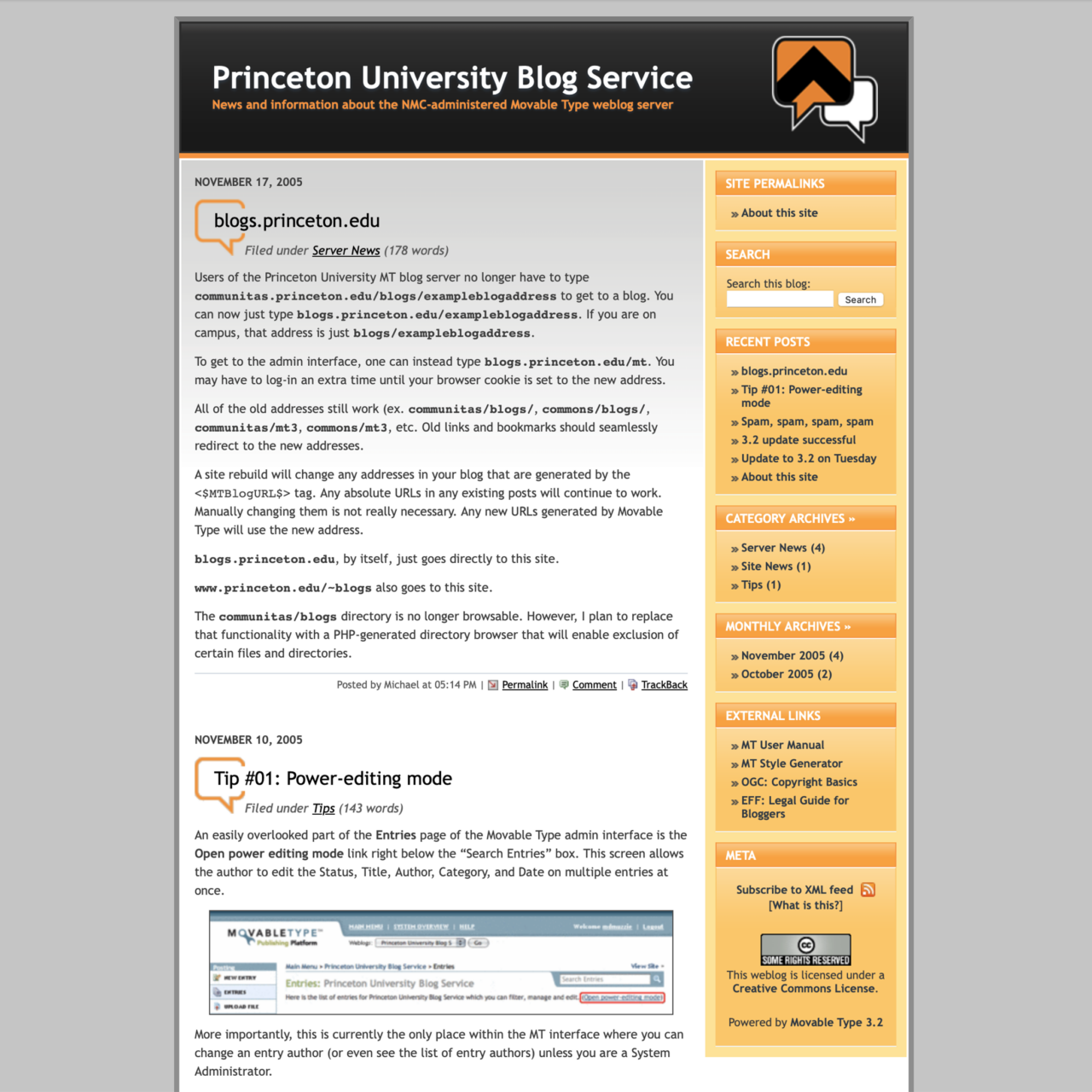
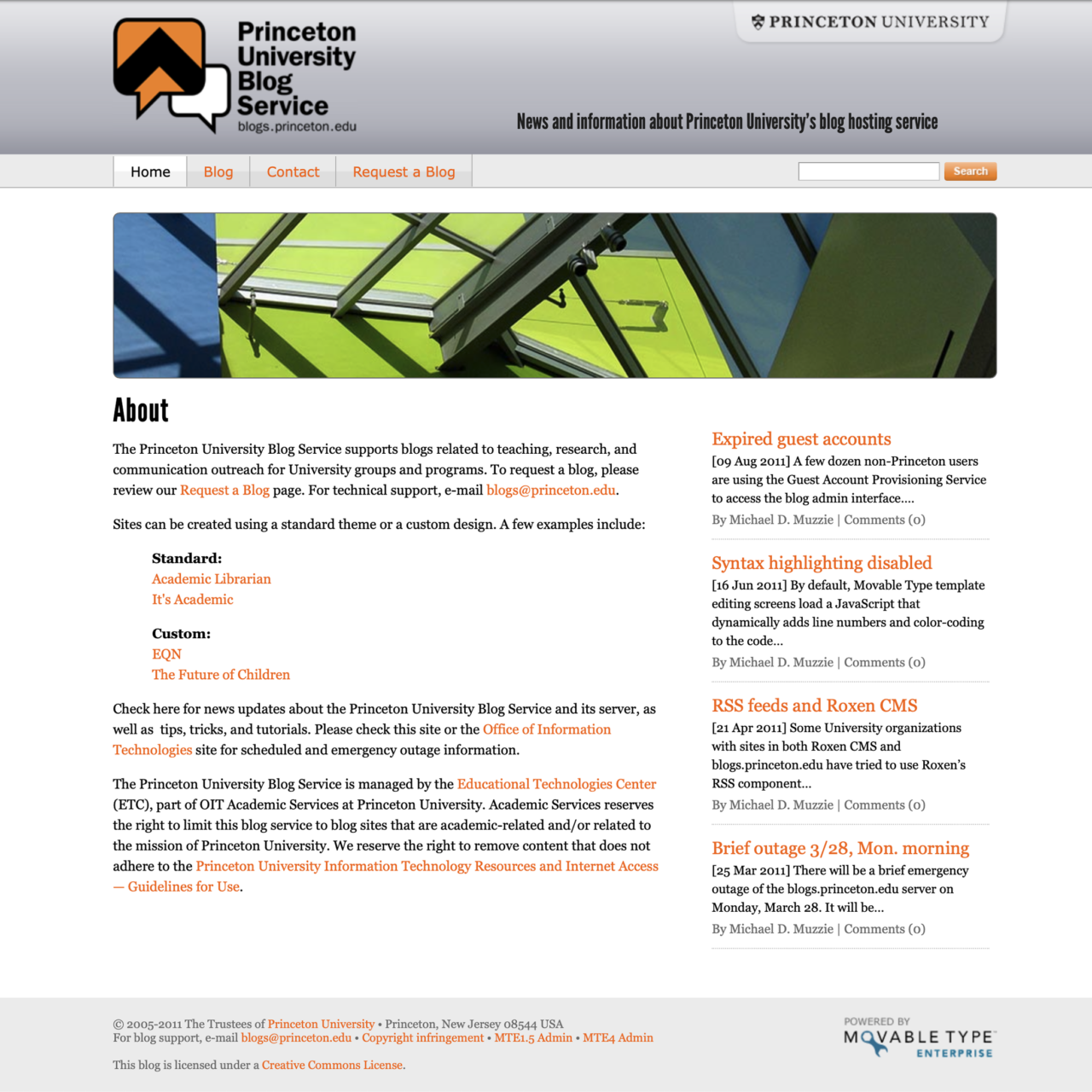
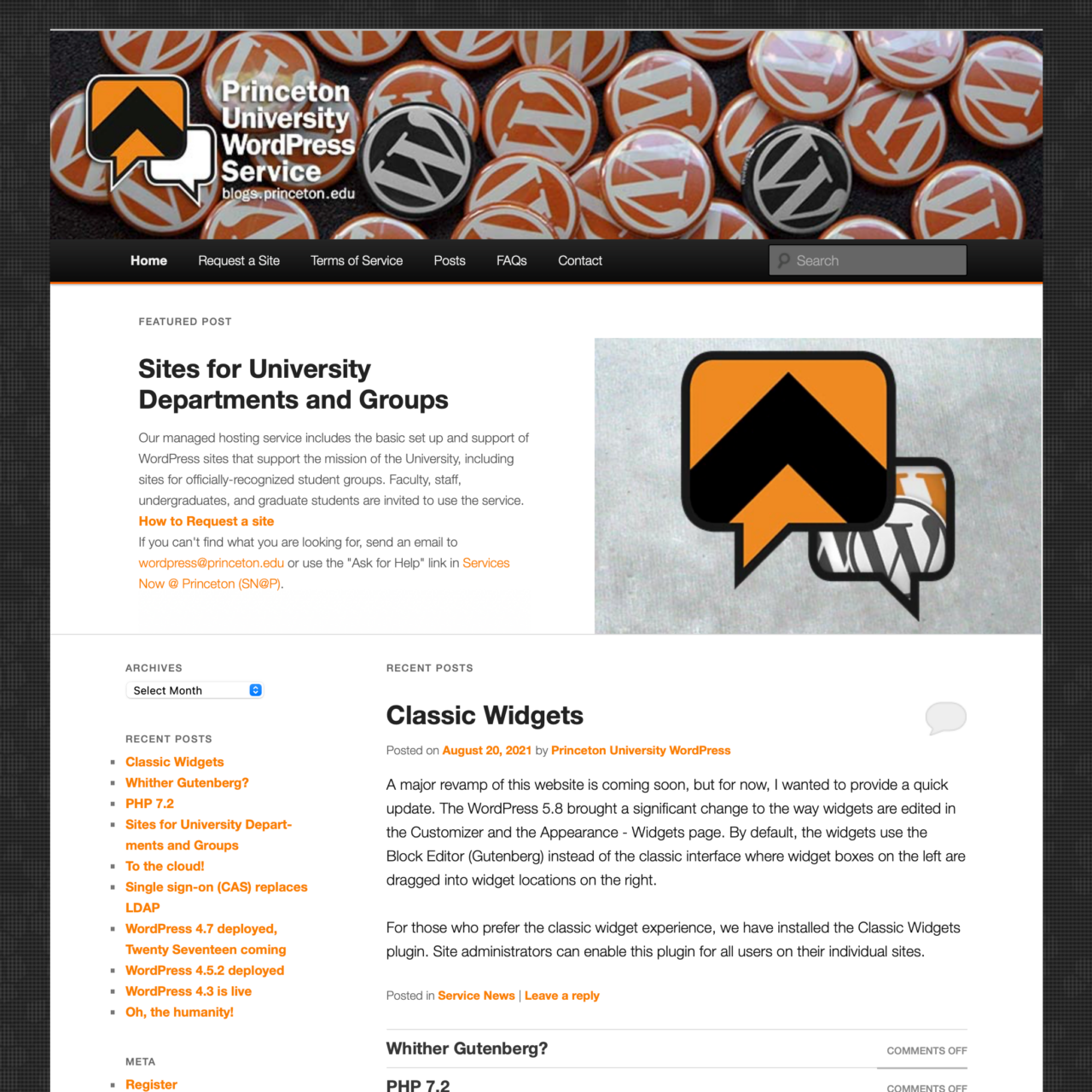
Looking back, below are three screenshots from previous versions of this site.
How blogs.princeton.edu looked from 2005-2010 (Movable Type)
How blogs.princeton.edu looked from 2010-2011 (Movable Type)
How blogs.princeton.edu looked from 2011-2023 (WordPress)



You must be logged in to post a comment.